Hey everyone! 👋 If you’ve ever tried to create a new Node.js package from scratch, you know it can be a bit of a maze. You start with a blank folder, and suddenly you’re lost in a sea of package.json configurations, TypeScript setups, ESLint rules, and figuring out how to get a CI/CD pipeline running. It’s enough to make you just want to go back to writing a single script. 😫
I felt that same frustration, which is why I’m so excited to introduce build-a-npm, the brand-new command-line tool I built to solve this exact problem. Think of it as your personal assistant for creating, managing, and publishing Node.js packages. It handles all the tedious boilerplate and complicated setups, so you can spend your time on what really matters: writing awesome code. 💻🚀
What Does build-a-npm Do?
At its core, build-a-npm is all about making your life easier. It’s a CLI tool that automates the entire package development workflow. Instead of manually creating files and scripts, you just run one simple command, and it builds a modern, ready-to-go project for you.
Here are some of the things it takes care of:
- ⚡️ Instant Project Setup: Say goodbye to starting from a blank slate.
build-a-npmgenerates a clean project structure with all the necessary files and folders, following modern best practices. - ✍️ Built-in TypeScript Support: For all you TypeScript lovers out there, this tool has you covered. It includes a pre-configured
tsconfig.jsonand a setup that’s ready for you to start typing. - 🤖 CI/CD with GitHub Actions: No more guessing about how to set up continuous integration. The tool automatically creates a GitHub Actions workflow that runs your tests and prepares your package for publishing every time you push code.
- 🚀 Seamless Publishing:
build-a-npmintegrates perfectly with both npmjs.com and GitHub Packages, allowing you to publish your package to both platforms with a single command. It even handles version bumping for you! - 📖 Documentation Publishing: Want to create documentation for your package? The tool generates a script that can automatically publish your docs to GitHub Pages, so your users always have up-to-date information.
Getting Started is a Breeze
Ready to try it out? It’s as simple as installing it globally with npm:
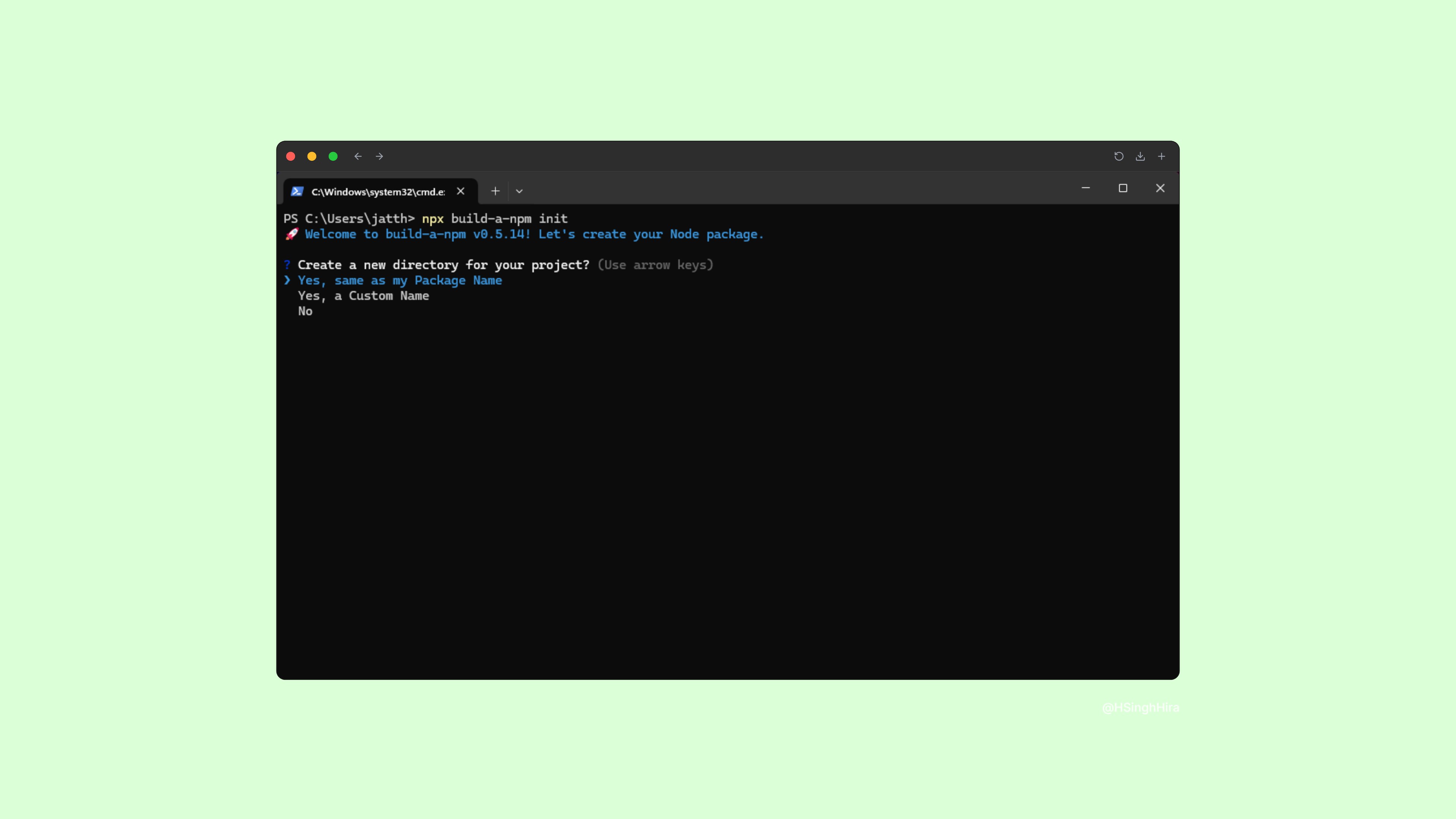
npm i -g build-a-npmOnce installed, navigate to the folder where you want to create your new package and run the init command:
npx build-a-npm initThe tool will then walk you through a series of questions, asking you for your package name, version, and other details. In a few moments, your new package will be ready to go! It’s that simple.
Why I Built This
I built build-a-npm out of a personal need. I wanted a tool that would allow me to quickly scaffold new projects without getting bogged down in boilerplate. My goal was to create something that was not only powerful but also intuitive and fun to use. It’s an open-source tool, and I’m really excited to see what amazing things people build with it.
I hope you’ll find it as helpful as I do. Give it a try on your next project, and let me know what you think!
Happy coding! 🎉